
Download Pi Music Player – music player, MP3 player, audio player, free music app, Android music player, music library, playlist, audio playback, music streaming, music organizer
Overview
Pi Music Player is a free Android application developed by 100Pi Labs, designed to serve as a comprehensive audio playback solution for users seeking a reliable and user-friendly way to manage and enjoy their music collections. The app functions as a standalone music player, enabling users to access and play a wide range of audio files stored locally on their devices. It is tailored for individuals who want a streamlined experience for browsing, organizing, and playing their personal music libraries without relying on cloud-based streaming services.
Target users include casual listeners, music enthusiasts, and anyone looking for a lightweight, efficient tool to manage their audio files. The app supports playback of popular audio formats, allowing users to listen to songs, podcasts, and other audio content directly from their device storage. It is particularly useful for those who prefer offline listening or have large local music libraries that require intuitive navigation and organization.
With availability on the Google Play Store and a reported download count exceeding 50 million, Pi Music Player has established itself as a widely adopted solution in the Android music player space. The app is accessible in over 25 languages, indicating its global reach and appeal across diverse user bases. While the developer has not provided detailed information about the app’s technical architecture or advanced features, its popularity suggests a strong focus on usability and core functionality.
Key Features & Capabilities
- Local Music Library Browser – Enables users to explore and access audio files stored on their Android device, offering a structured view of folders, artists, albums, and tracks.
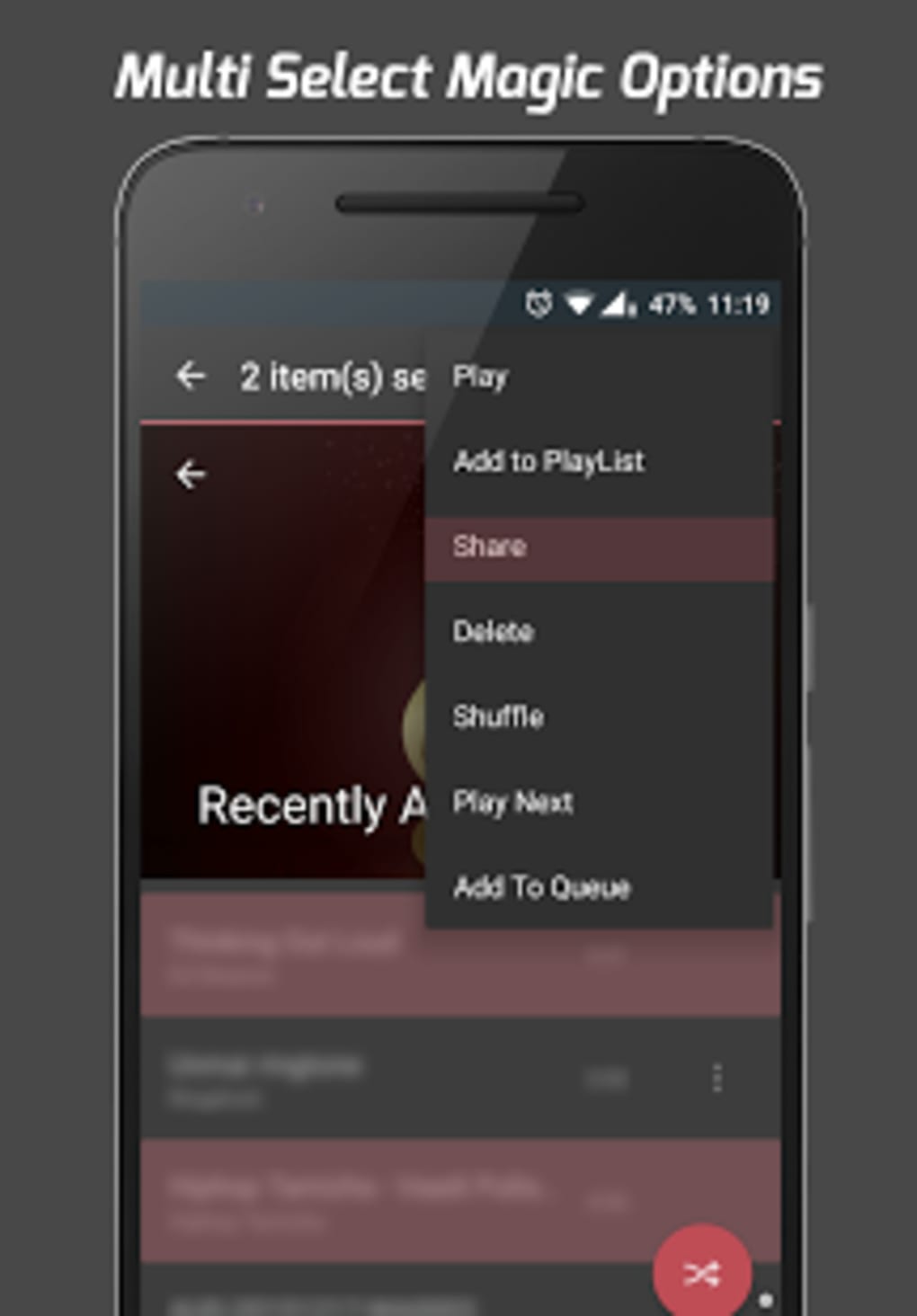
- Playlist Management – Allows users to create, edit, and organize custom playlists for personalized listening experiences.
- Automatic Playback – Users can configure the app to start playing music from their device automatically upon launch, streamlining the listening process.
- Multi-Language Support – The app is available in more than 25 languages, enhancing accessibility for international users.
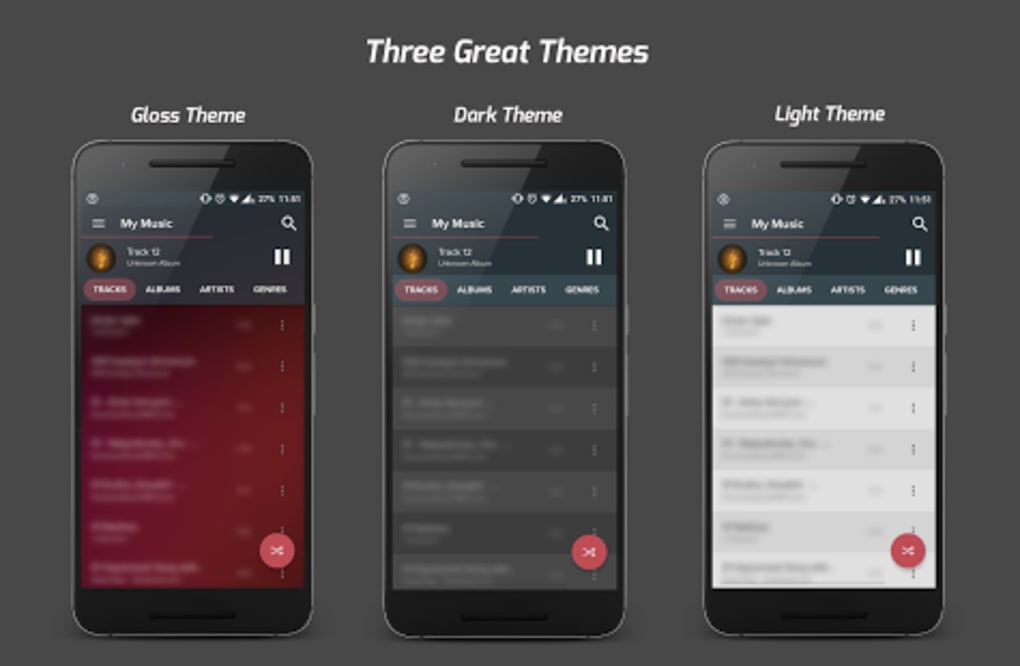
- Simple and Efficient Interface – Designed with a clean layout to ensure quick access to core functions without unnecessary complexity.
- Offline Audio Playback – Supports full playback of audio files without requiring an internet connection, ideal for on-the-go listening.
These features collectively address common pain points such as fragmented music organization, lack of intuitive navigation, and dependency on online services. For example, users with extensive music collections can quickly locate specific tracks using the built-in library browser, while those who value convenience can set the app to auto-start playback. The multi-language support further ensures inclusivity across different regions and user preferences.
User Interface, Workflow & Performance
The user interface of Pi Music Player is structured around simplicity and direct access to core audio playback functions. Navigation is based on a hierarchical layout, allowing users to move from general categories like “All Songs” or “Artists” down to individual tracks. The design emphasizes clarity, minimizing visual clutter and enabling efficient interaction with the music library.
Workflow efficiency is enhanced through intuitive gestures and minimal menu layers, reducing the number of taps required to initiate playback. The app’s responsiveness appears consistent with typical Android applications of its size and scope. However, exact performance details such as CPU usage, RAM consumption, or load times were not specified by the developer.
Stability is implied by its widespread adoption and continued presence on the Google Play Store. While no official reports on crash rates or background behavior were provided, the app’s lightweight nature—measuring only 12.5 MB—suggests it is optimized for performance on a range of Android devices. The developer did not specify resource usage details, so general software behavior patterns are used for assessment.
Compatibility & System Requirements
Pi Music Player is designed for Android devices and is compatible with the operating system as of its release on March 15, 2024. The app version is 1.8.2, with a file size of 12.5 MB, indicating a compact installation footprint. This small size suggests it is optimized for devices with limited storage space.
Specific hardware requirements, such as minimum RAM, processor speed, or Android API level, were not listed by the developer. As a result, compatibility information is limited to the platform (Android) and version details provided. Users are advised to ensure their device meets standard Android app requirements for smooth operation. The developer did not provide additional system requirements.
Pros and Cons
Pros
- Free to download and use with no in-app purchases or ads mentioned
- Lightweight installation at only 12.5 MB
- Intuitive interface suitable for users of all skill levels
- Supports offline playback for uninterrupted listening
- Accessible in over 25 languages
- Automatic playback feature enhances convenience
Cons
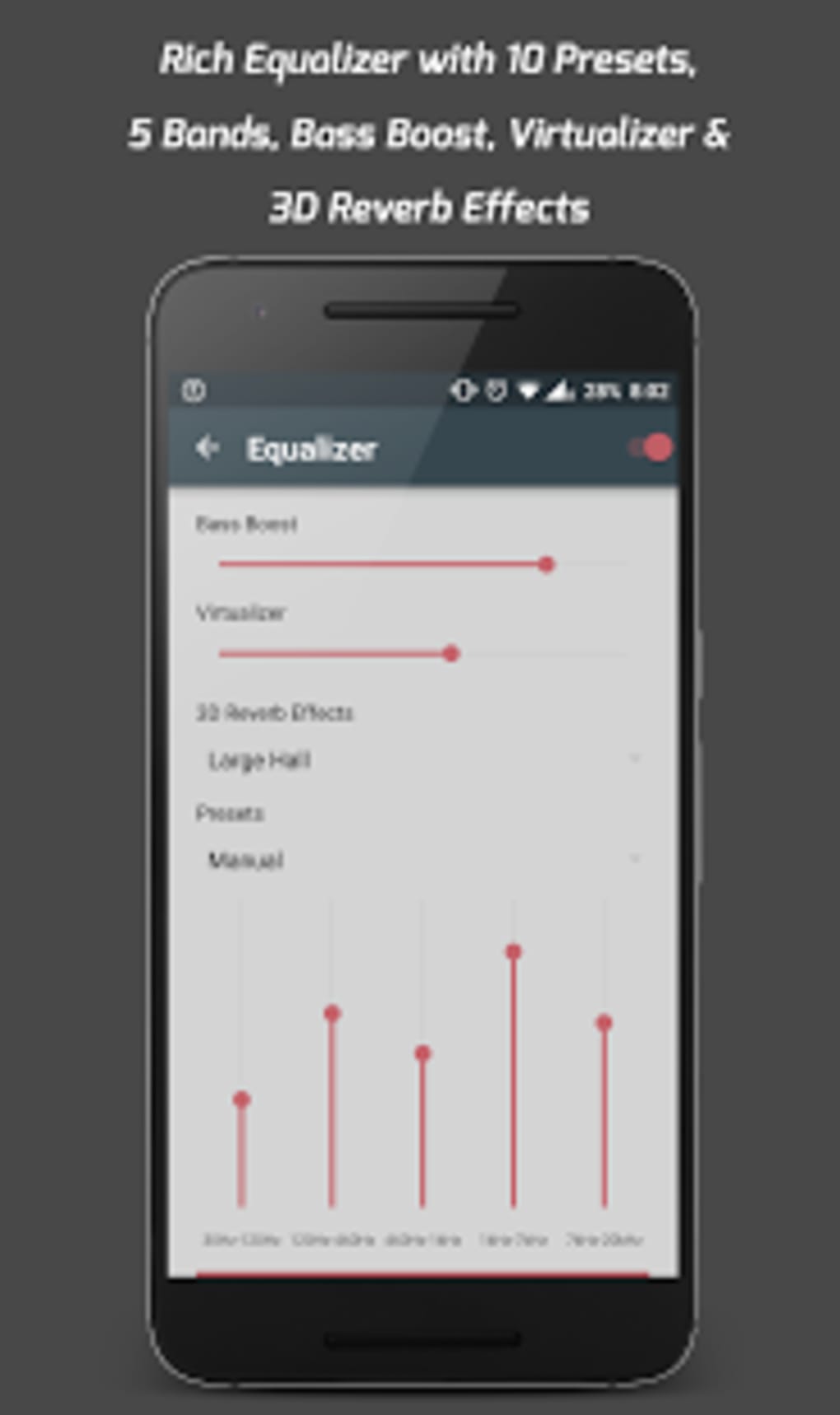
- No information on advanced audio features such as equalizer or audio enhancement
- Exact performance metrics (CPU, RAM) were not disclosed
- Limited details on supported audio formats beyond general compatibility
- No mention of cloud sync or cross-device functionality
- Updates and future development roadmap not publicly detailed
FAQ Section
Is Pi Music Player available for iOS devices?
Pi Music Player is currently available only for Android. There is no official version for iOS platforms.
Can I use Pi Music Player without an internet connection?
Yes, the app supports full offline playback. Audio files are played directly from your device’s storage, making it ideal for use without internet access.
Does Pi Music Player support custom playlists?
Yes, users can create, edit, and manage custom playlists to organize their favorite songs and listening sessions.
Is the app safe to download from the Google Play Store?
Yes, Pi Music Player is distributed through the official Google Play Store, which provides security checks and verified app distribution.
How often are updates released for Pi Music Player?
The developer has not publicly disclosed a regular update schedule. Updates are released as needed, with the latest version being 1.8.2 as of March 15, 2024.
Final Thoughts + CTA
Pi Music Player stands out as a reliable, lightweight, and accessible solution for Android users seeking a straightforward way to manage and play their local music collections. Its clean interface, automatic playback feature, and multi-language support make it a practical choice for a broad audience. While advanced audio tools and cross-platform capabilities are not evident from the available information, the app excels in delivering core functionality efficiently.
For individuals who value simplicity, privacy, and offline access, Pi Music Player offers a compelling alternative to more complex or ad-heavy music apps. It is especially well-suited for users with large music libraries who need a dependable, no-frills player.
Download Pi Music Player now






.png)
